SuperSeller Blog
WhatsApp Chatbot for E-commerce: The 2026 Guide to AI Support and Sales
WhatsApp is where a huge share of shoppers already message businesses. Here is how an AI chatbot turns that inbox into product discovery, order tracking, and recovered carts — and what it really costs to run.
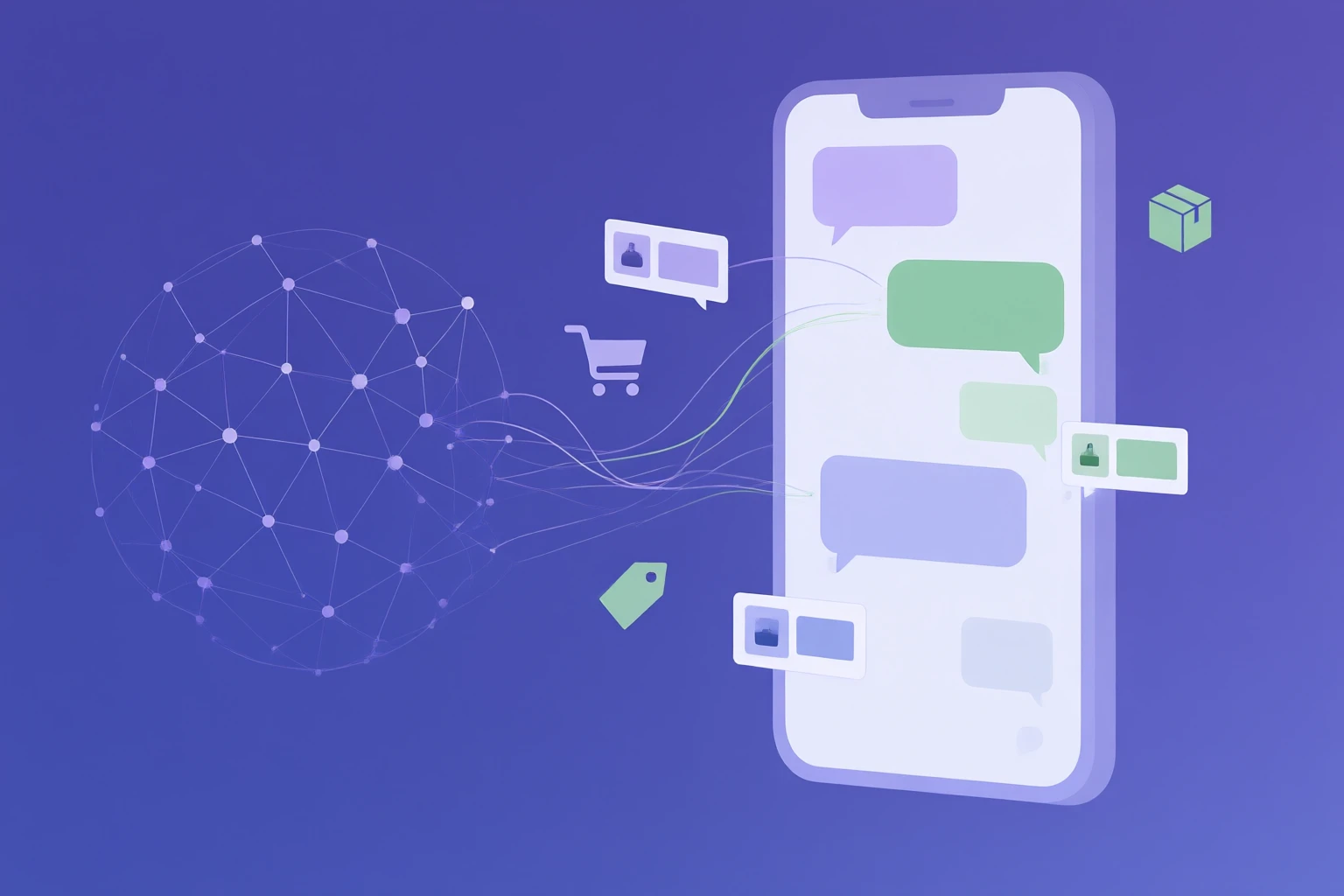
Most stores already get WhatsApp messages. Sizing questions, "is this in stock", "where is my order" — they land in a phone that someone has to check between other work. A WhatsApp chatbot for ecommerce turns that inbox from a chore into a channel: it answers instantly, recommends products from your real catalog, and only pulls in a human when the conversation actually needs one. This guide covers what these assistants do, what the WhatsApp Business API really costs, the rules Meta enforces, and the one setup decision that matters more than the rest.
What is a WhatsApp chatbot for ecommerce?
A WhatsApp chatbot for ecommerce is an automated assistant that replies to customer messages on WhatsApp using your store's own data — the product catalog, shipping and return policies, and order status — rather than generic AI knowledge. The difference from a plain chatbot is grounding. A generic bot can hold a conversation; an ecommerce assistant knows your products. When someone messages "do you have this jacket in medium, and does it ship to Germany?", a grounded assistant checks the catalog for the size, checks your shipping policy for the country, and answers both in one reply.
That is the whole point. WhatsApp is where a large share of shoppers already talk to businesses, especially across Europe, Latin America, the Middle East, and South and Southeast Asia. Meeting them there with an assistant that can actually sell — not just deflect tickets — is what separates a WhatsApp chatbot from an auto-reply.
Why WhatsApp is different from a website chat widget
A website chat widget only works while the visitor is on your site. Close the tab and the conversation is gone. WhatsApp is the opposite: the thread lives in the customer's own phone, next to their family chats, and it persists. You can answer a question today and follow up on the order three days later in the same conversation.
That persistence is the advantage and the constraint. It is why WhatsApp is excellent for order updates and post-purchase support, and it is also why Meta wraps the channel in rules about when a business is allowed to message first. More on that below. The short version: WhatsApp is not a louder version of your website widget. It is a second surface with its own etiquette, and it rewards stores that treat it that way.
The three ways to run WhatsApp for a store
Before the chatbot, you have to pick how you connect to WhatsApp at all. There are three options and only one of them supports real automation.
1. The WhatsApp Business app
The free app on a phone. Fine for a solo founder answering by hand, with basic canned replies and away messages. It cannot connect to an AI backend, sync a catalog, or scale past one device. Useful until it isn't.
2. The WhatsApp Business Platform (Cloud API)
Meta's official API for businesses that need automation and volume. This is what lets software send and receive messages programmatically, render product cards, and look up orders. You do not install it yourself; you access it through a provider that holds the connection. Meta documents it as the WhatsApp Business Platform.
3. An AI assistant on top of the API
The API moves messages. It does not understand them. To answer a free-form question like "which of your coffee grinders is quiet enough for an apartment?", you need an AI layer connected to your catalog and knowledge base sitting on top of the Cloud API. That layer is the actual chatbot. The API is just the pipe.
Almost every "WhatsApp chatbot" decision is really about that third layer: how good is the AI, and is it connected to your real store data?
What a good WhatsApp ecommerce chatbot actually does
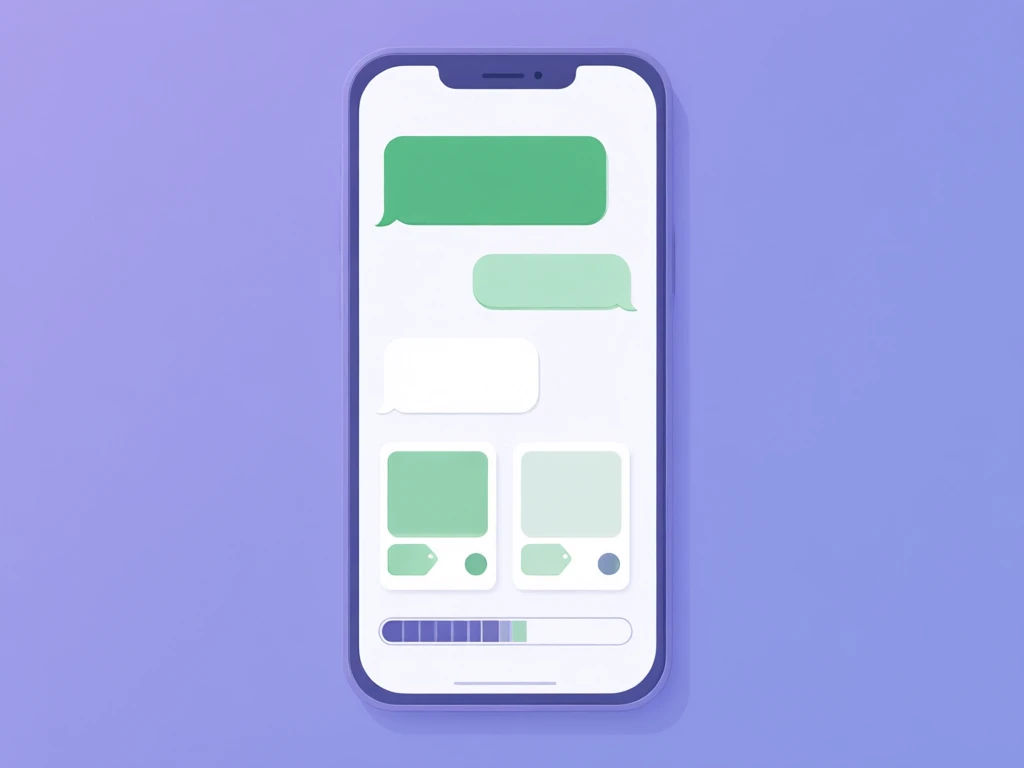
Product discovery and recommendations
The highest-value job, and the one most WhatsApp bots skip. A customer describes what they want in plain language and the assistant searches your live catalog, then replies with matching products, prices, and stock. This is only possible when the bot has a real catalog sync behind it. Without that, a WhatsApp bot can be friendly and still sell nothing.
Order tracking
"Where is my order?" is the most common message in ecommerce, and WhatsApp is the perfect place to answer it because the thread persists after the sale. An assistant that recognizes the intent and returns a live status removes a whole category of repetitive work. We break the mechanics down in our guide to order tracking inside a chat widget; the same logic applies on WhatsApp.
Pre-sale objection handling
Carts die on unanswered questions: shipping cost, delivery time, sizing, returns. On WhatsApp those questions often arrive before the customer has even added to cart. Answering them in seconds, grounded in your actual policies, is the difference between a sale and a silent exit.
Cart and conversation recovery
Because the thread lives in the customer's phone, WhatsApp is one of the few channels where a well-timed, opted-in follow-up is welcome rather than spam. A gentle "your size is back in stock" beats an email that dies in the promotions tab. The rules around this matter, and I cover them in the pricing and etiquette sections below.
Multilingual replies
If you sell across borders, WhatsApp exposes it fast — customers message in their own language without warning. The assistant should detect the language from the message itself and reply in kind. SuperSeller does this across 21 languages, including Cyrillic scripts, without the customer selecting anything.
Knowing when to stop
The assistant has to recognize its own limits. Complaints, refunds gone wrong, anything emotional — those route to a person, with the full conversation history attached so the customer never repeats themselves. A bot that traps people in a loop does more damage on WhatsApp than on a website, because it is sitting in someone's personal messenger.
One AI brain, every channel
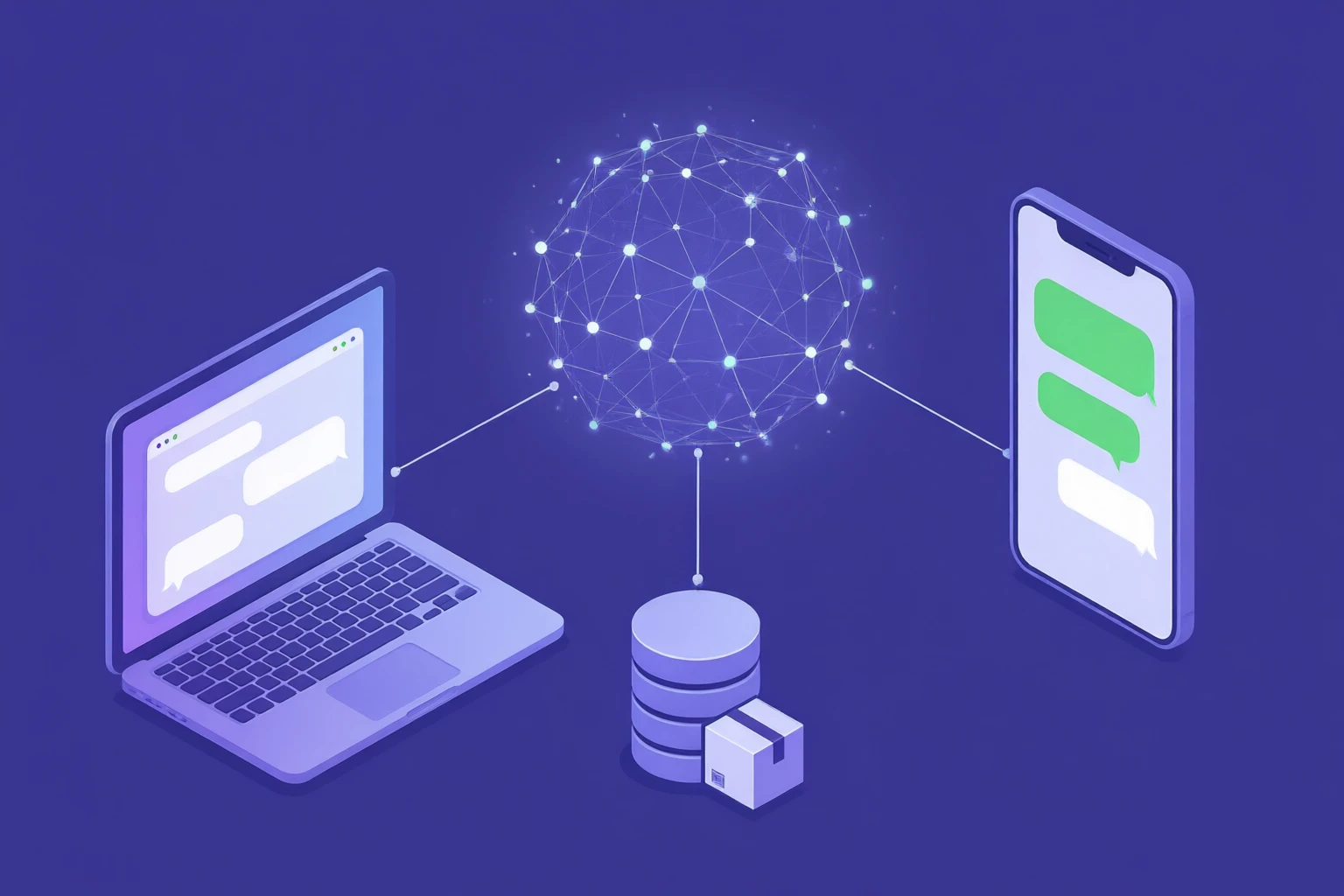
Here is the opinion I keep repeating to merchants: do not run a separate WhatsApp bot. The common failure is bolting a cheap flow-builder onto WhatsApp while a different tool powers the website widget, each with its own half-maintained knowledge base. Now you have two bots that answer the same question two different ways, and both drift out of date.
The setup that works is one assistant, one catalog sync, one knowledge base, answering everywhere the customer shows up. SuperSeller was built around exactly this: the same AI engine that powers the on-site chat widget is the engine that answers on WhatsApp, reading from the same product data and the same policy articles. Update a return policy once and both channels are current. That is the difference between an omnichannel assistant and two chatbots you have to babysit.
If you are still deciding whether AI or a human should own the first reply, our comparison of AI chatbots versus live chat is the companion to this piece.
What a WhatsApp chatbot really costs in 2026
WhatsApp pricing confuses people because there are two separate bills, and only one of them is your chatbot vendor.
Meta's conversation charges. The WhatsApp Business Platform prices by conversation, not per message. Replies you send inside the 24-hour window after a customer messages you (service conversations) are free in current pricing. Business-initiated messages sent outside that window require an approved template and are billed at a per-conversation rate that varies by country. In practice, a store doing mostly reactive support pays Meta very little; a store blasting marketing templates pays more.
Your chatbot platform. On top of Meta's fees, you pay whatever runs the AI. This is where pricing models diverge sharply. Some tools charge per AI resolution, so every successful answer adds to the bill. Others charge per seat. SuperSeller uses flat conversation pricing — plans from 29 euros per month with a conversation quota included and no per-resolution surcharge, whether the answer lands on your website or on WhatsApp. You can see the tiers on the pricing page.
The honest math: for most small and mid-size stores, Meta's share is modest as long as you stay reactive, and the platform fee is the number to scrutinize. Model your real conversation volume against every pricing model before you commit.
The rules you have to respect
WhatsApp is stricter than a website widget, and ignoring the rules gets your number restricted. Three things matter most.
- The 24-hour window. You can freely reply to a customer for 24 hours after their last message. After that, reaching out first requires a pre-approved template message. Design your automation around answering promptly, not messaging cold.
- Template approval. Any business-initiated message (order shipped, back in stock, abandoned cart nudge) must use a template that Meta has reviewed. Promotional templates face stricter review than transactional ones. Plan the wording in advance.
- Opt-in. You need the customer's consent before messaging them on WhatsApp. A checkout checkbox or a clear opt-in at the point they first message you is the clean way to collect it. Buying lists and blasting them is the fast way to lose the number.
None of this blocks a good assistant. It just means the assistant should be excellent at reactive support and disciplined about proactive outreach.
How to set up a WhatsApp chatbot for your store
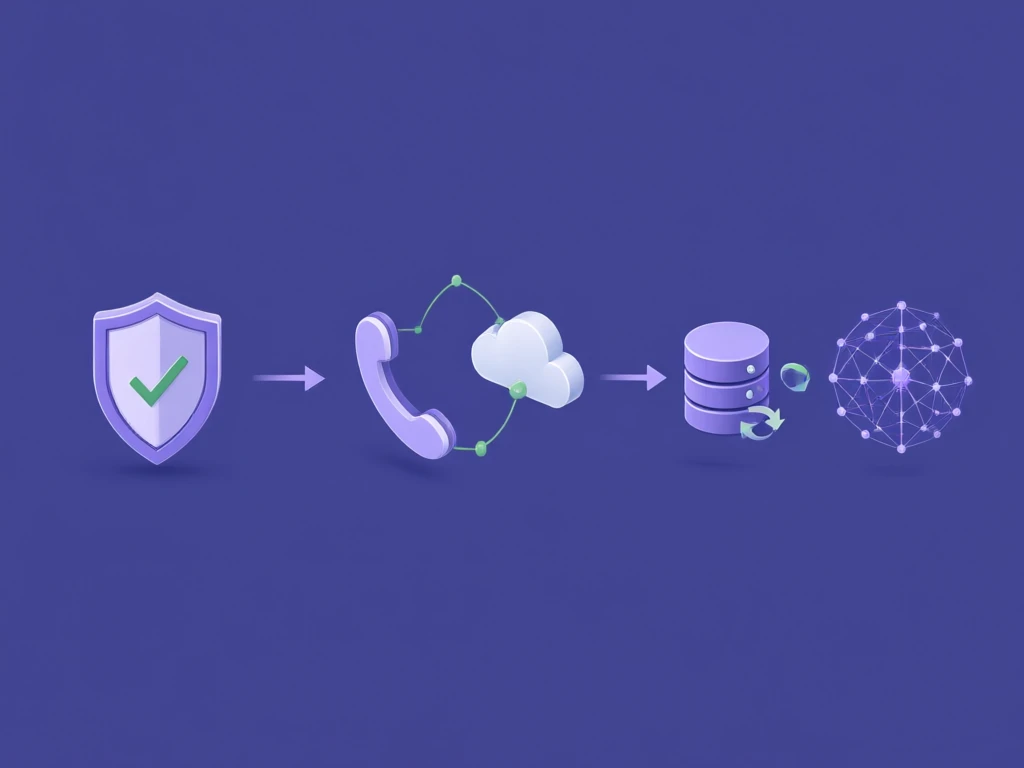
The path is the same regardless of which platform you land on. Verification is the slow part; the rest is quick.
1. Set up and verify a Meta Business account
Create a Meta Business account for your store and complete business verification. This is Meta confirming you are a real business, and it is the step that takes days rather than minutes, so start it first.
2. Register a number on the WhatsApp Business Platform
Add a phone number to the WhatsApp Business Platform. It has to be a number not currently tied to a personal WhatsApp account. This becomes the identity customers message.
3. Connect the number to a chatbot platform
Link that number to the tool that will run the AI. This is where the Cloud API connection actually gets used — the platform receives incoming messages and sends replies through it on your behalf.
4. Sync your catalog and load your knowledge base
This is the step that decides whether your bot can sell. Connect your store so products sync automatically — here are the WooCommerce and Shopify integrations — and load the ten questions your team answers every week: shipping, returns, sizing, payment, warranty. An assistant with a synced catalog and a real knowledge base answers well from day one. One without them is a friendly dead end.
5. Test before you announce it
Message your own number as a customer would. Ask a vague product question, ask for an order status, ask something in a second language, and trigger a handoff. Read the replies. The first week of transcripts is the best audit of your store data you will ever get for free.
When a WhatsApp chatbot is not worth it
I will say the thing most vendor blogs won't: if you get a handful of messages a week, do not bother with the WhatsApp Business API. The verification overhead and template rules are not worth it at that volume. Answer by hand in the free app until the volume is real. A WhatsApp chatbot earns its keep when repetitive questions — sizing, stock, shipping, order status — are eating hours you would rather spend elsewhere, and when enough of your customers actually prefer WhatsApp to email. Below that line, it is machinery you do not need yet.
Where to start
If you are not sure WhatsApp is your first move, it usually isn't. Start with the assistant on your own site, where you control everything and there are no template rules, then extend the same brain to WhatsApp once the catalog sync and knowledge base are dialed in. The pillar guide to AI chatbots for ecommerce walks through that foundation.
Want one AI assistant across your site and WhatsApp? SuperSeller grounds every answer in your real catalog and policies, in 21 languages, with human handoff built in. Start a free account and put the assistant on your store first, or see pricing — flat plans from 29 euros a month, no per-answer fees.