SuperSeller Blog
Order Tracking in Your Chat Widget: How SuperSeller Handles "Where Is My Order?"
Customers ask "where is my order?" more than anything else. Here is how SuperSeller answers it inside the chat widget using a 17TRACK handoff, without you building a single carrier integration.
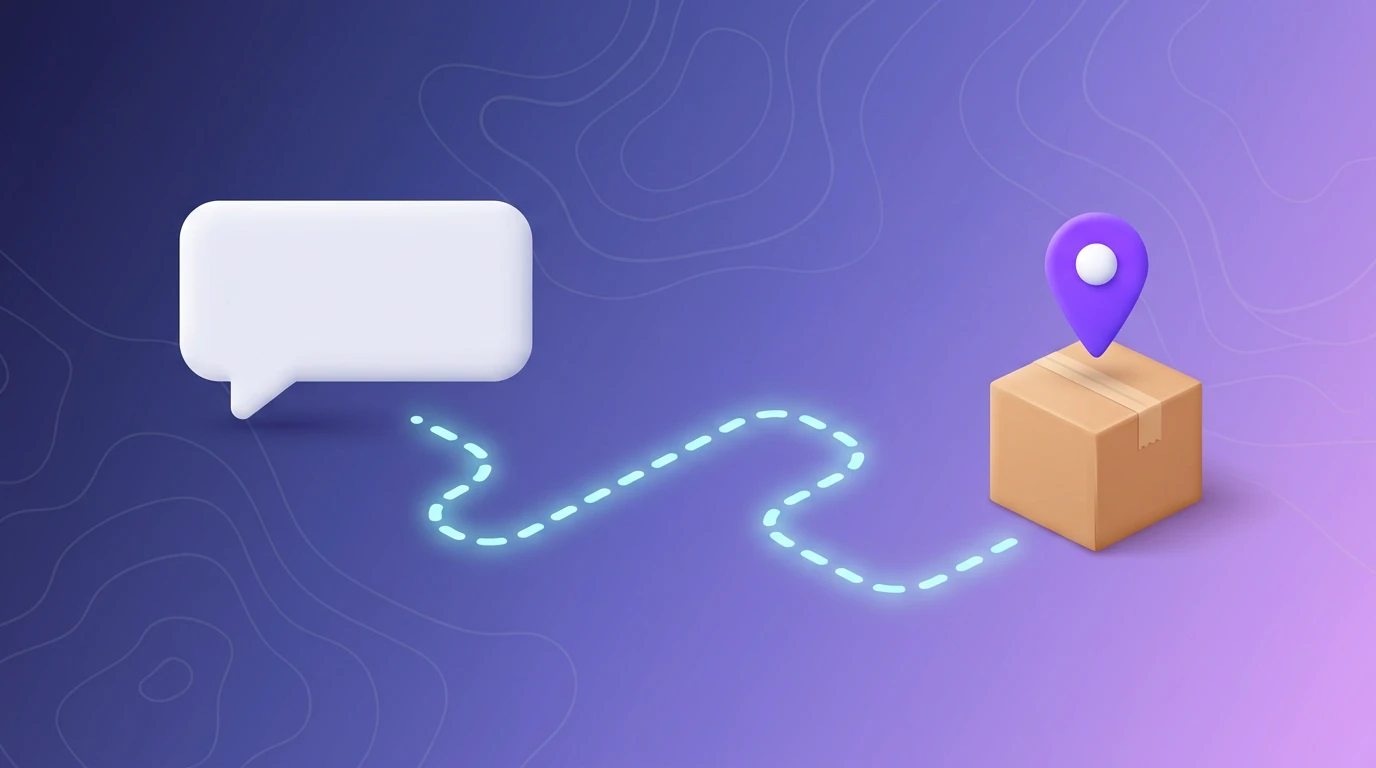
If you sell physical products, "where is my order?" is almost certainly your most common support message. It is also the least interesting one to answer. SuperSeller's order tracking puts the answer inside the chat widget, so the customer never opens a ticket and you never copy a tracking number into an email.
This post explains exactly what the shipment tracking feature does, the deliberate choice behind how it works, and how to turn it on. I will also be honest about when it is worth enabling and when it is not.
The real cost of "where is my order?"
WISMO, short for "where is my order", is the single biggest category of ecommerce support volume for most stores. Industry estimates regularly put it at a third or more of all support contacts. The frustrating part is that the answer almost always already exists. The carrier has the status. The customer has a tracking number in their confirmation email. The two just have not been connected at the moment the customer is anxious enough to ask.
Every one of those messages costs you twice. It costs an agent the few minutes it takes to find the order, copy the tracking number, and reply. And it costs the customer the wait, which is exactly when buyer's remorse and chargebacks start. Deflecting WISMO is not about being cheap with support. It is about answering a question instantly that has an instant answer.
What SuperSeller's order tracking actually does
When a visitor asks about a shipment in the chat widget, the assistant does three things:
- Recognizes that the message is a tracking request, not a product or support question.
- Pulls the tracking number out of the message, if the customer included one.
- Shows a small form inside the chat, pre-filled with that number, and opens the tracking page when the customer confirms.
The tracking page is 17TRACK, a universal package tracking service that supports more than 2,000 carriers. The customer sees live status without leaving your store's tab stack, and you did not write a single line of carrier integration code.
Why 17TRACK instead of building carrier integrations
This is the design decision that matters, so I want to defend it directly. The obvious-looking approach is to integrate carrier APIs: DHL, UPS, USPS, PostNL, GLS, China Post, and the dozens of regional couriers your customers actually use. That path is a maintenance trap. Every carrier has its own API, its own auth, its own rate limits, and its own habit of changing things without warning. You would be signing up to babysit integrations forever.
17TRACK already solved that problem. It auto-detects the carrier from the shape of the tracking number and aggregates more than 2,000 of them. By handing off to 17TRACK, SuperSeller stays carrier-agnostic. There is no carrier list to keep current, no API key to rotate, and no per-lookup cost. A tracking number from a courier we have never heard of still works, because 17TRACK has heard of it.
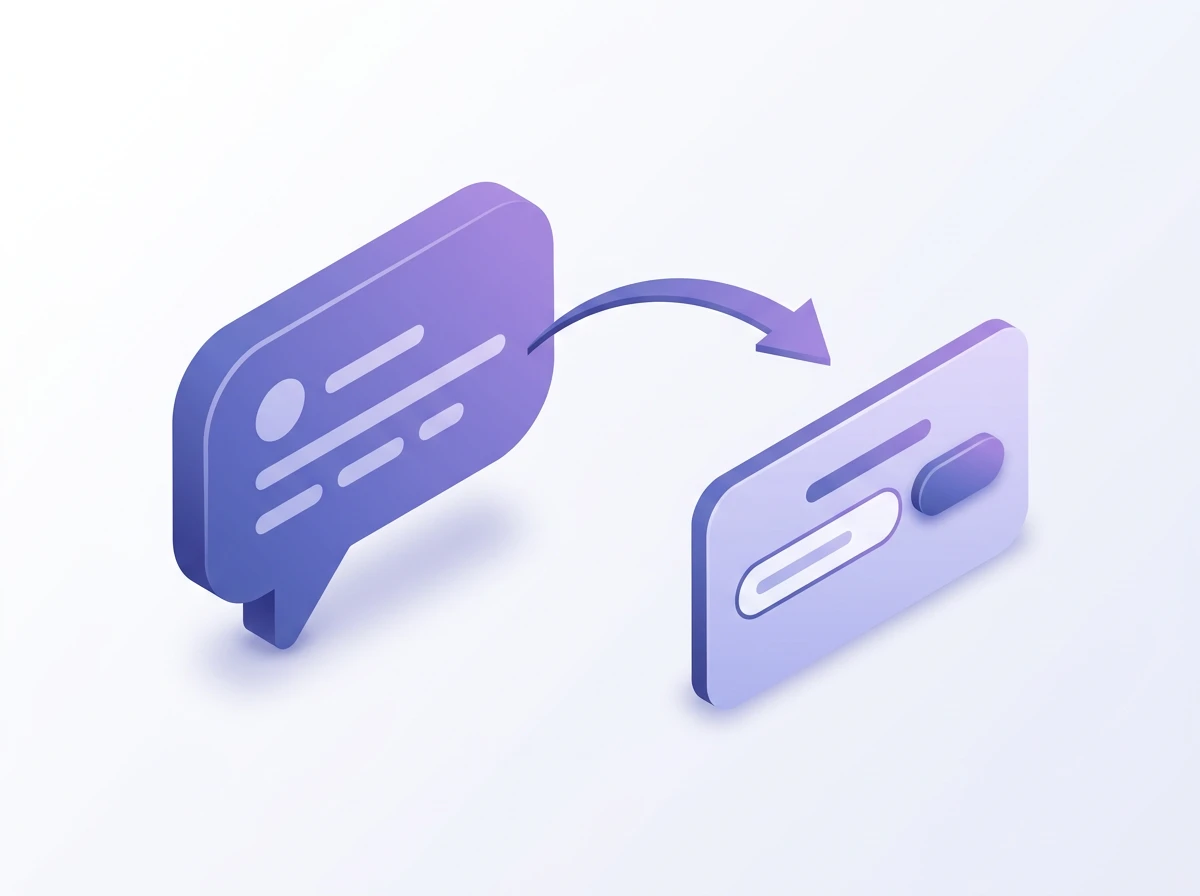
How a customer tracks an order, step by step
Step 1: The customer asks, however they want
There is no magic command to memorize. The assistant treats all of these as the same request:
- "Where is my order?"
- "Track my package"
- "Has my parcel shipped yet, the code is RR123456785RS"
- A bare tracking number on its own, like
RR123456785RS
Intent classification runs on the message first. If it reads as a shipment question, the assistant switches into tracking mode instead of searching products or the knowledge base.
Step 2: SuperSeller extracts the tracking number
If the message contains something that looks like a tracking number, SuperSeller pulls it out. The matcher looks for the usual pattern: a run of letters and digits, at least five characters long, with at least three digits in it. That is loose on purpose, because tracking number formats vary wildly between carriers and being strict would reject valid ones.
Step 3: An in-chat form appears, pre-filled
Rather than guessing and opening a page immediately, the assistant shows a small tracking form right in the conversation, with the detected number already filled in. The customer can confirm it or correct a typo. If no number was detected, the form is empty and asks for one. This confirm step is deliberate, it keeps the customer in control and avoids opening a tracking page for a number they did not mean to send.
Step 4: 17TRACK opens with the number
On submit, the widget opens 17TRACK in a new browser tab with the tracking number in the URL, and posts a short confirmation back into the chat. The customer reads live shipment status on a page built for exactly that, and your chat stays open behind it for any follow-up question.
It works in the language the customer is already using
The tracking form is localized into more than 20 languages, including English, German, French, Spanish, Italian, Portuguese, Dutch, Polish, Russian, Ukrainian, Czech, Slovak, Hungarian, Romanian, Bulgarian, Greek, Turkish, and the South Slavic languages (Serbian, Croatian, Bosnian, Slovenian). A customer who writes to you in Serbian gets the form labels in Serbian. The intent detection itself is language-agnostic, so "проверить посылку" and "where is my order" land in the same place.
This matters more than it sounds. A tracking prompt in the wrong language reads as a glitch and erodes trust at the exact moment the customer is already nervous about their order.
The privacy tradeoff, stated plainly
SuperSeller does not look up the shipment on its servers. It does not call a carrier API, and it does not store the tracking result. The only data that leaves is the tracking number itself, and it leaves only when the customer clicks to open 17TRACK, carried in the URL they open.
That is a real tradeoff, not just a privacy talking point. The upside is obvious: no customer shipment data sitting in our logs, nothing to leak, no third-party API holding your order history. The downside is honest too: SuperSeller cannot read the delivery status back into the chat to say "your package is out for delivery," because it never sees the status. The customer reads it on 17TRACK directly. For most stores that is the right balance. If you specifically need the status summarized inside the chat bubble, this feature is not built for that, and you should know it going in.

How to turn order tracking on
The feature ships off by default. You enable it per store, so a business that does not ship physical goods never sees it.
Step 1: Open the AI Assistant settings
Go to your dashboard's AI Assistant page and select the company you want to configure.
Step 2: Flip the Shipment Tracking toggle
Find the Shipment Tracking setting and switch it on. The helper text spells out the privacy behavior: the visitor enters the tracking number, then only that number is sent to 17TRACK for the lookup.
Step 3: Save and test in the widget
Save your settings. The widget reads the feature flag from its theme, so the next visitor who asks about a shipment gets the tracking form. Open your own widget and type a tracking number to confirm the form appears and 17TRACK opens with the right number.

When this is worth enabling, and when it is not
Turn it on if you ship physical products and customers regularly ask about delivery. That is the large majority of ecommerce stores, and for them this is close to free support deflection.
Leave it off if you sell digital goods, services, or subscriptions where there is nothing to ship. A tracking form on a software store is noise. The same goes for a store that sends one order a week, the feature is harmless but it solves a problem you do not have.
One more honest note: this deflects the lookup, not the underlying anxiety. If your shipping itself is slow or unreliable, instant tracking will not fix the angry follow-up. Tracking is a transparency tool, not a substitute for actually shipping on time.
How it fits WooCommerce and Shopify stores
The chat widget is the same across surfaces, so order tracking behaves identically whether the widget is embedded by hand, installed through the SuperSeller WooCommerce plugin, or loaded by the Shopify app. There is no platform-specific setup. If you have already added the assistant to your store, enabling shipment tracking is the only step.
If you are still setting the assistant up, the WooCommerce setup guide walks through installation, and the comparison post covers what to look for in a chatbot before you commit.
Frequently asked questions
Does SuperSeller store my customers' tracking numbers?
No. The backend detects the tracking intent and passes the number to the widget, which opens 17TRACK in a new browser tab. SuperSeller does not call a carrier API or save the shipment result. Only the tracking number reaches 17TRACK, sent in the URL the visitor opens.
Which carriers does the order tracking support?
All of them, in practice. SuperSeller is carrier-agnostic because 17TRACK auto-detects the courier from the tracking number and supports more than 2,000 carriers worldwide. You do not maintain a carrier list.
Do I need a separate 17TRACK account or API key?
No. The integration uses 17TRACK's public tracking page through a deep link. There is no API key to manage and nothing to configure beyond turning the feature on in your dashboard.
Can a customer just type a tracking number with no other text?
Yes. A bare tracking number is enough. The assistant recognizes the pattern, pre-fills the in-chat form with that number, and the visitor confirms it. A sentence like "where is my parcel, the code is..." works the same way.
Does order tracking work in the Shopify and WooCommerce widget?
Yes. The same chat widget powers the WooCommerce plugin and the Shopify app, so shipment tracking is available on both once you enable it for the store.
Ready to stop answering "where is my order?" by hand? Create a free SuperSeller account, add the widget to your store, then flip on Shipment Tracking in the AI Assistant settings. See pricing for the conversation limits on each plan.
Related reading
- AI Chatbot for E-commerce: The Complete Guide (2026) — the full picture: features, pricing models, and rollout.