SuperSeller Blog
Best AI Chatbot for WooCommerce in 2026: What Actually Matters
The best WooCommerce AI chatbot is not the one with the flashiest demo. It is the one that understands your products, policies, and real shopper questions.
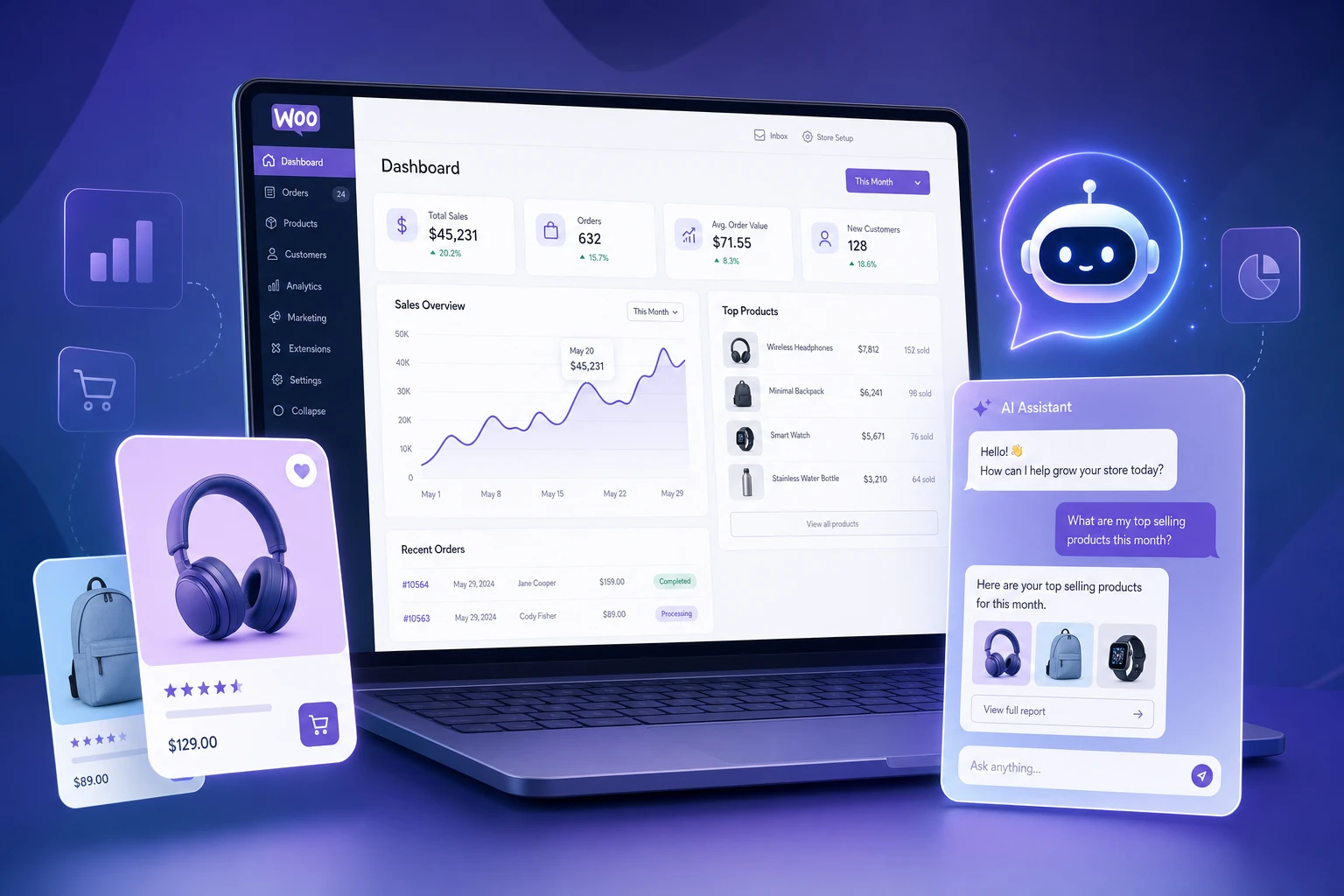
If you are choosing the best AI chatbot for WooCommerce in 2026, ignore the generic chatbot checklist. WooCommerce stores need a product-aware assistant, not a website widget that only answers canned FAQs.
The difference shows up fast. A basic bot can answer "Where is your contact page?" A useful WooCommerce AI chatbot can answer "Which waterproof jacket under 150 EUR is warmer, and do you ship it to Germany before Friday?" That second answer needs product data, policy data, and enough control that the merchant can trust what the assistant says.
The short version
The best WooCommerce AI chatbot should do five things well: sync your product catalog, answer store policy questions, recommend specific products, protect customer data, and stay easy to control from the merchant side.
What to compare first
- Product sync: Does it understand names, descriptions, prices, stock, categories, and product images?
- Knowledge base: Can you add shipping, returns, warranty, sizing, and payment answers?
- Recommendation quality: Can it explain why one product fits better than another?
- Privacy: Does it avoid sending order and payment data when that data is not needed?
- Widget control: Can you customize tone, language behavior, GDPR notice, colors, and fallback behavior?
Why product sync matters more than chat UI
A pretty chat bubble does not improve conversion if the assistant cannot answer product questions. The real value appears when a shopper says "I need a running shoe under $100 for wet pavement" and gets a specific recommendation from your catalog.
For WooCommerce stores, product sync should include at least the product name, short description, long description, price, sale price, SKU, categories, stock status, and image URL. If the chatbot only reads public page text, it will miss details that live in product fields and variations. If it only has FAQs, it will answer support questions but fail at product discovery.
This is also where cheap chatbot tools usually break. They can look fine in a demo because the demo has five polished products. Real stores have messy descriptions, discontinued products, size variants, sale prices, duplicated categories, and out-of-stock items. The chatbot needs a search layer that can still find useful matches when the customer describes the problem instead of the product name.
Knowledge base quality decides answer quality
Your product catalog explains what you sell. Your knowledge base explains how your store works. A good WooCommerce chatbot needs both.
Start with the questions your team answers every week: shipping countries, delivery windows, return policy, damaged items, warranty, size charts, care instructions, payment methods, invoices, business orders, and contact rules. Keep entries short and focused. "Return policy for damaged products" is more useful than one huge "Store policy" document.
The best tools also make knowledge base maintenance boring. You should be able to add, edit, delete, and sync entries without asking a developer. If your support team cannot update the answer, the chatbot will drift out of date.
Recommendation quality: what to test before buying
Do not test a chatbot with "hello" and "what do you sell?" Test it with the kind of question that actually decides a purchase.
- "I need a gift under 80 EUR for someone who likes hiking."
- "Which of these two jackets is better for heavy rain?"
- "Do you have a cheaper alternative to this product?"
- "Will this fit a 13-inch laptop?"
- "I need something in stock that can arrive before Friday."
A useful answer should name specific products, explain the reason, and avoid making promises that are not in the product data or knowledge base. If the assistant cannot explain why it recommended something, shoppers will not trust it.
Privacy and store control
For most pre-purchase conversations, the chatbot does not need customer orders, payment details, addresses, or private account data. It needs product and policy context. That distinction matters.
Look for opt-in product sync, clear API key control, and a setup where you can disconnect the integration without breaking your WooCommerce store. You should also be able to control the widget message, fallback text, GDPR notice, tone, and language behavior from a dashboard.
Red flags when comparing WooCommerce chatbot tools
- The vendor talks about "AI support" but cannot explain how product sync works.
- The chatbot only trains on website URLs and ignores WooCommerce product fields.
- There is no clear way to update store policies.
- The demo recommends products but does not show why those products matched.
- Pricing is based on agent seats even though most ecommerce value comes from shopper conversations.
- The integration sends more customer data than the chatbot actually needs.
When SuperSeller is a fit
SuperSeller is a strong fit when your WooCommerce store has enough products that shoppers need help choosing, or when your support team repeats the same pre-sale answers every day. It is built around product sync, a merchant-controlled knowledge base, storefront widget settings, and conversation analytics.
That means it works best for stores where product discovery matters: fashion, electronics, beauty, home goods, sports equipment, B2B supplies, specialty food, parts, and anything with enough SKUs that filters alone do not solve the shopping problem.
When you do not need it yet
If you have a tiny catalog, almost no support questions, and no need for recommendations, start by improving product pages first. AI works best when there is enough product and policy context to use.
Also be careful if your store data is extremely weak. A chatbot cannot rescue empty product descriptions. If half the catalog says only "black shirt" or "new model", fix the product copy before judging the assistant.
Buying checklist
- Can it sync WooCommerce products without custom code?
- Can the merchant edit knowledge base answers quickly?
- Does it recommend real products, not just categories?
- Does it avoid unnecessary customer data?
- Can you test it with your own catalog during a trial?
- Does the dashboard show what shoppers asked and where the chatbot failed?
FAQ
What is the best AI chatbot for WooCommerce?
The best option is the one that understands your product catalog and store policies. For WooCommerce, product sync, knowledge base control, privacy, and recommendation quality matter more than a generic chat UI.
Does a WooCommerce chatbot need product sync?
Yes. Without product sync, the assistant cannot reliably recommend specific products, compare items, or answer stock and product detail questions.
Should AI replace live chat?
No. Use AI for repetitive product and policy questions. Keep humans for refunds, exceptions, account-specific issues, and emotional support cases.
Next step: open the WooCommerce AI chatbot landing page, read the WooCommerce setup guide, check the WooCommerce chatbot plugin checklist, or compare plans on the SuperSeller pricing page.
Related reading
- SuperSeller as a Tidio alternative — how catalog-aware AI compares to a live-chat suite with an AI add-on.
- SuperSeller vs Gorgias — pre-sale product conversations versus helpdesk ticket deflection.
- WooCommerce AI chatbot integration — sync your catalog and go live.
- AI Chatbot for E-commerce: The Complete Guide (2026) — the full picture: features, pricing models, and rollout.