SuperSeller Blog
WooCommerce Chatbot Plugin: What to Look For Before You Install One
A WooCommerce chatbot plugin should not just paste a script into your footer. It should connect products, policies, and customer questions in a controlled way.
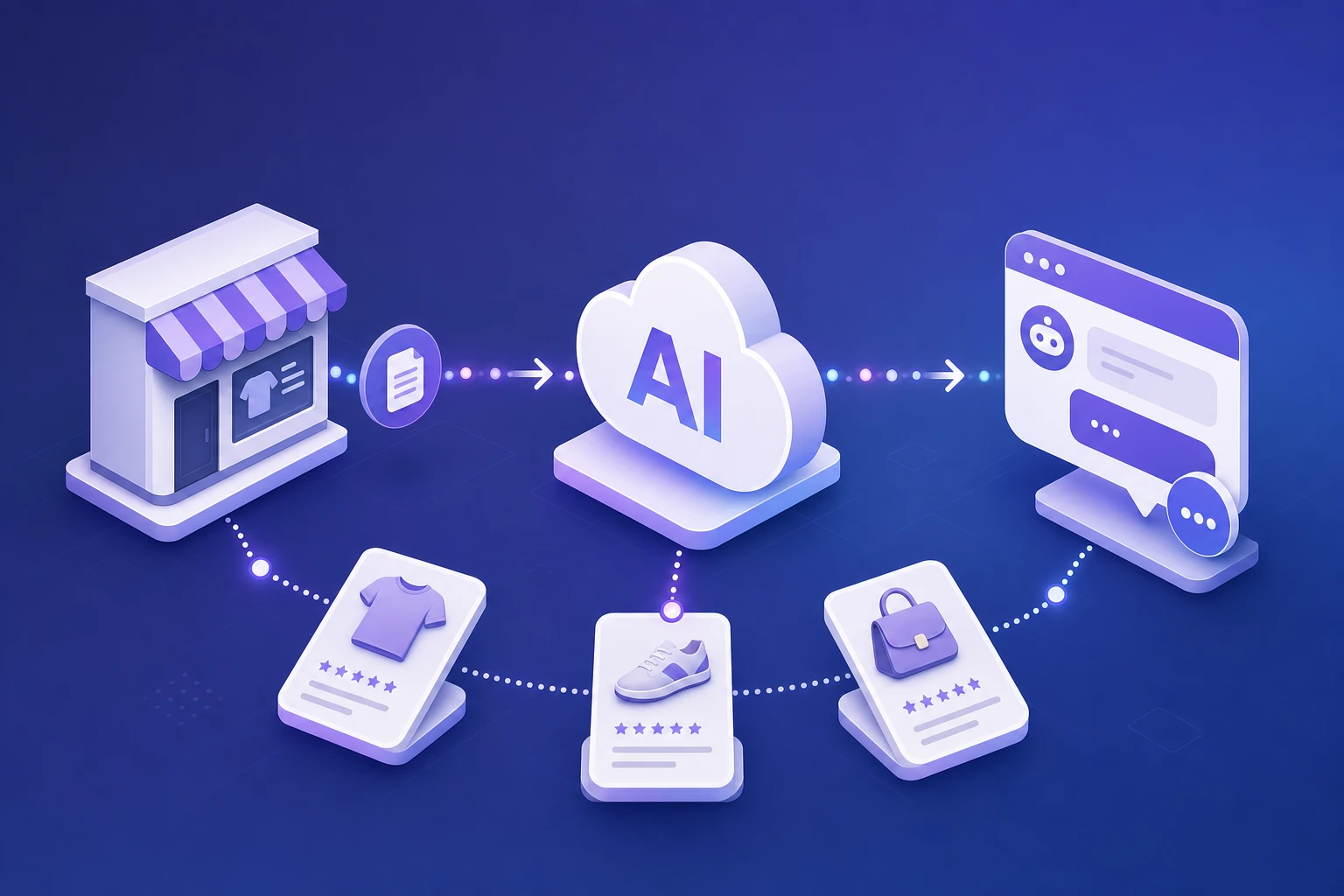
Most WooCommerce chatbot plugins look similar from the outside: install, paste a key, show a bubble. The difference is what happens after a real shopper asks a real product question.
A weak plugin adds another script to your store. A useful plugin connects WooCommerce product data, store policies, and customer questions in a way your team can control. That is the bar.
1. Product sync is mandatory
If the chatbot does not understand your product catalog, it cannot recommend products. Look for sync support for product names, descriptions, prices, stock status, categories, SKUs, and images.
Do not accept vague answers like "it reads your website". WooCommerce product data lives in structured fields, not only in page text. A proper plugin should know the difference between product title, short description, long description, SKU, category, sale price, stock status, and image URL.
Ask one simple question before installing: when I edit a product tomorrow, how does the chatbot learn the change? If the answer is manual copy-paste, you are not installing a WooCommerce integration. You are installing a generic chatbot with extra steps.
2. Knowledge base support matters
Your product catalog answers "what do you sell?" Your knowledge base answers "how do you sell it?" Shipping, returns, size charts, warranty, contact details, and payment rules belong there.
This is where many stores lose answer quality. Product sync might let the assistant recommend a jacket, but it will not know your return window, free shipping threshold, warranty rules, or whether customers can exchange sizes. Those answers need a separate knowledge base.
Look for three controls: manual entries for quick fixes, page sync for existing policy pages, and stable IDs so updates do not create duplicates. If the plugin cannot update old knowledge entries cleanly, your support content will become messy after a few weeks.
3. Privacy should be opt-in
A serious plugin should avoid sending customer orders, payment details, or personal data when those fields are not needed for pre-sale product conversations.
For a storefront assistant, product data and policy data are usually enough. The chatbot does not need order history to answer "Which size should I choose?" or "Do you ship to Austria?" Keep the integration narrow unless you are building an authenticated support flow with clear consent.
At minimum, check that product sync requires explicit merchant consent, API keys can be revoked, and the plugin documentation explains what data leaves WordPress. If that is unclear, do not install it on a production store.
4. Performance should be boring
The widget should load asynchronously and avoid blocking the storefront. Product sync should run in the background, not during the page request.
WooCommerce stores already carry enough weight: themes, page builders, tracking scripts, payment scripts, reviews, popups, and analytics. A chatbot plugin should not make product pages slower. The loader should be async, and the heavy work should happen away from the customer's page load.
For catalog sync, look for batching, retry logs, and progress feedback. If you have 2,000 products, the first sync should not freeze the admin screen or time out after one request. A sane plugin treats sync like a background job.
5. Merchant controls should be clear
You should be able to disable the widget, re-sync products, add knowledge entries, change the welcome message, and control fallback behavior without editing code.
Control matters because the chatbot is customer-facing. Your team should be able to change tone, update fallback instructions, edit GDPR text, and turn the widget off during troubleshooting. If every change requires a developer, the plugin will sit half-configured.
6. Debugging should be visible
When a sync fails, the plugin should tell you why. "Something went wrong" is not enough. You need to know whether the API key is invalid, privacy consent is missing, the server blocked outbound HTTPS, a product payload was rejected, or the remote API timed out.
Good troubleshooting surfaces the exact failed item and the backend response. That saves hours when a hosting provider blocks cURL, a cache plugin hides the widget, or an API key was pasted with an extra space.
7. The plugin should fit the shopper journey
Some chatbot plugins are built for lead capture. Some are built for help desks. WooCommerce needs product discovery. The plugin should handle questions like:
- "Which product is best for sensitive skin?"
- "Do you have this in a cheaper version?"
- "Is this compatible with my device?"
- "What can arrive before the weekend?"
- "Can I return it if the size is wrong?"
If the chatbot cannot connect product recommendations with policy answers, it will feel disconnected from the store.
Pre-install checklist
- Product sync includes title, description, price, SKU, stock, categories, and images
- Knowledge base supports shipping, returns, warranty, sizing, and custom policies
- Privacy consent is explicit before data leaves WooCommerce
- Widget script loads asynchronously
- Bulk sync has progress, logs, and retry behavior
- API key can be revoked without editing code
- Merchant can change widget copy and fallback behavior
- Dashboard shows what shoppers asked and where answers failed
FAQ
What should I check before installing a WooCommerce chatbot plugin?
Check product sync, knowledge base support, privacy controls, background sync behavior, widget performance, merchant settings, and troubleshooting logs.
Should a WooCommerce chatbot plugin send order data?
For product recommendations and pre-purchase support, usually no. Product and policy data should be enough for most storefront conversations.
Can a chatbot plugin slow down WooCommerce?
It can if it loads heavy scripts badly or runs sync work during page requests. A good plugin loads the widget asynchronously and runs catalog sync in the background.
Useful path: compare your requirements with the SuperSeller WooCommerce AI chatbot page, then read the WooCommerce setup guide and check SuperSeller pricing.
Related reading
- AI Chatbot for E-commerce: The Complete Guide (2026) — the full picture: features, pricing models, and rollout.